“Simplify, simplify.” -Henry David Thoreau
I keep writing these photo workflow posts because the workflow keeps changing. Not in a dramatic, new-year-new-me way, but in the useful way where small annoyances pile up until the obvious answer is to simplify again.
In 2018, the problem was getting my arms around Google, Adobe, SmugMug, RAW files, exports, and too many copies in too many places.
In 2020, the big realization was that culling had to happen before the archive got bigger. Keeping everything felt safe, but it also made the library slower, more expensive, and less useful.
By early 2022, the shape of the problem had changed again. I was less interested in finding the perfect editor and more interested in reducing how many systems I had to trust at once. The goal was fewer services, better backups, and a photo library I could actually live with.
Current Process
The process is still familiar: import, back up, cull, edit, export. The difference is where the trust goes.
- Transfer images from the camera
- JPGs go to a
/JPG/folder on the Desktop. - RAWs go to a dated folder, like
/2022-01-12/.
- JPGs go to a
- Back up and import
- JPGs go to Apple Photos, organized with one album per camera type.
- RAWs go to Lightroom CC and the NAS.
- The NAS automatically backs up to Backblaze B2 Cloud Storage.
- Cull
- I review everything and delete what I know I am not going to edit.
- Edit
- Lightroom is still the main editor.
- Presets still help, mostly by getting me to a familiar starting point faster.
- Export
- Instagram matters less to me than it used to.
- Exports are more likely to end up in my own archive, printed, or, because this is a 2022 snapshot, occasionally pointed at NFT-related experiments.
The important change is that each part has a clearer job. Apple Photos is where the everyday JPG library lives. Lightroom is where active RAW editing happens. The NAS is where the durable copy lives. Backblaze is the offsite “please let me sleep at night” copy.
Culling Became the Real Workflow
The best change from 2020 was not a piece of software. It was keeping the cull going.
Flashback to 2020:
Not only does this bit of digital housekeeping feel great now that it's done, it will also save $180/yr with the downgraded storage plan - which, up until today, I had been paying to store raw files for photos I was ultimately never going to edit.
— Bill Anastas (@banastas)
I am really happy I have been able to keep this up for the last two years. Culling is now kinda fun to me, almost like a game where the challenge is to pare down a day’s worth of images to the essential shots.
Bi-yearly update! Keeping the culling going, I added just around 1 pic/day on average over the last 2 years.
— Bill Anastas (@banastas)
That sounds more virtuous than it feels. Mostly it is practical. Fewer mediocre frames make the good ones easier to find. A smaller active catalog costs less. The next round of editing starts from a better pile.
It also trains taste in a way that buying a new app does not. The question is still brutally simple: am I ever going to do anything with this shot? If the answer is no, keeping it around does not make me more serious about photography. It just makes my storage bill more serious about me.
Adobe, naturally, found a way to re-enter the conversation. They raised my plan price to $19.99/month. I am still using Lightroom, but the price increase made me pay closer attention to Luminar, ON1 Photo RAW, and Capture One Pro. None had exactly what I wanted yet, but platform dependency has a way of becoming visible right after the bill changes.
Hardware Changed the Review Surface
The biggest hardware change is the iPad 12.9 M1.
I love, love, love that screen. It is not the most sober purchasing justification in the world, but for batch photo review it matters. A nice, portable, high-quality display lets me review in smaller sessions, with less friction, which means I am more likely to actually do it.
I have also used the iPad quite a few times to transfer images directly from the camera into Lightroom. It works, and it is genuinely useful in the right context, but file management on iPadOS is still awkward enough that I do not want to pretend it is magic. Better than it used to be, yes. Still weird, absolutely.
I splurged on 2TB of iPad storage and have not come close to filling it. That probably says as much about the culling as it does about the iPad.
The Platform Shift
The biggest software change was moving away from GSuite.
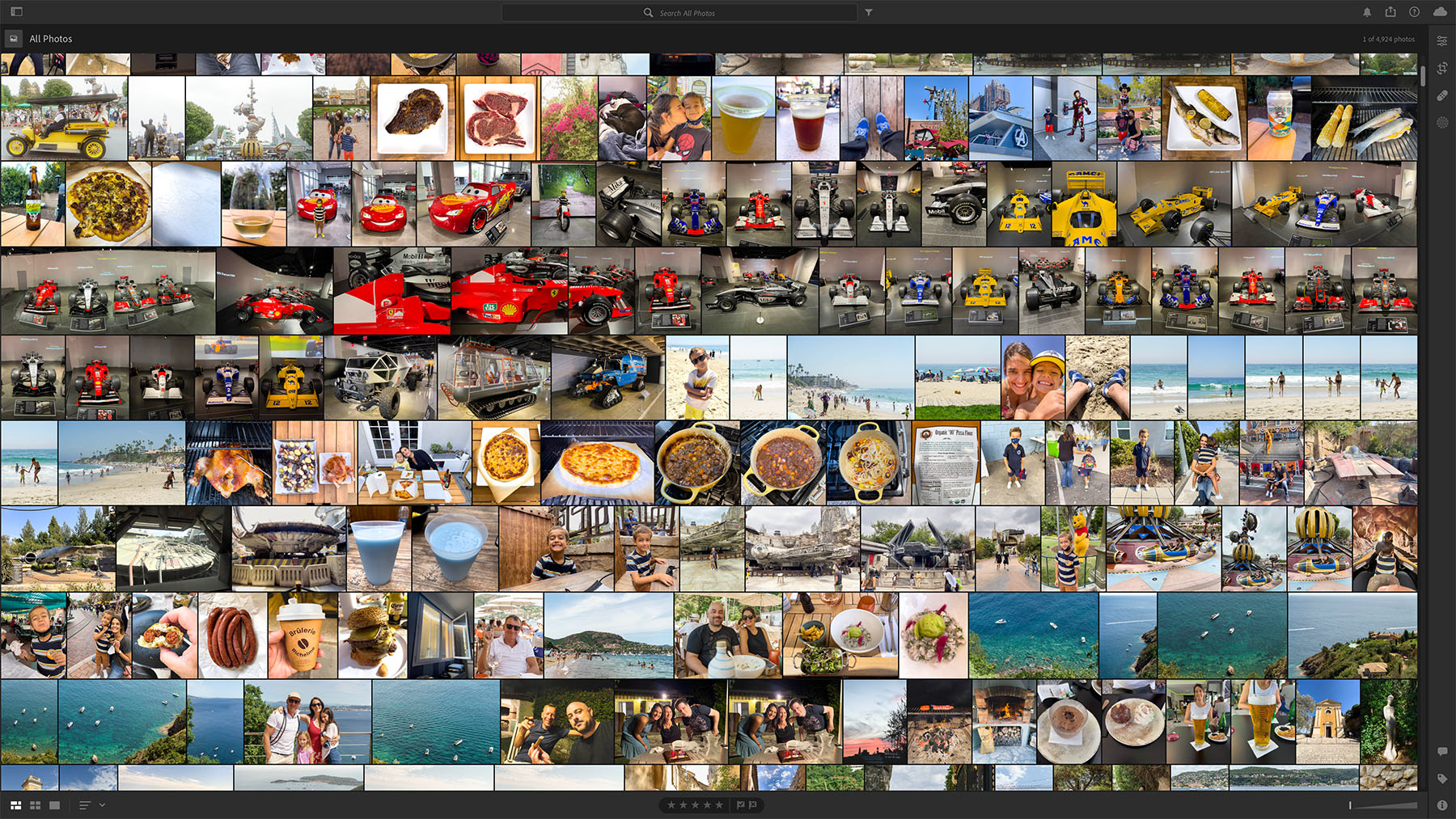
This started with a massive Google Photos to Apple Photos migration, which sounds tidy until 127,147 photos and 2,775 videos are making their way into iCloud and you wonder if you have made a terrible life choice.
Once that was done, I canceled GSuite along with many, many TBs of cloud storage. That also kicked loose a bunch of adjacent digital housekeeping: moving old files to iCloud Drive, cleaning up lingering storage piles, and shifting my email to iCloud now that custom email domains exist.
This was not really about preferring one giant tech company to another giant tech company. I am not naive enough to turn Apple Photos into a personality. The point was reducing sprawl. Google Photos, Google Drive, GSuite, Lightroom, the NAS, random export destinations, and old archives all had slightly different versions of the truth.
Apple Photos and iCloud are not perfect, but in 2022 they gave me a simpler center of gravity for the everyday library. The RAW archive still lives outside that system. That split feels healthier to me: convenient access where convenience helps, owned storage and backups where durability matters.
Backups and Cost
The NAS now syncs to Backblaze B2 Cloud Storage.
At the moment, I have 3,217.6GB stored there. That is costing around $0.53/day, or $16.12/month.
There is probably a cheaper arrangement somewhere if I wanted to turn this into a spreadsheet hobby. I do not. For that price, the RAW archive has an offsite copy that is not tied to my Lightroom subscription, not sitting only in the house, and not dependent on me rotating drives like it is 2009.
That is worth the money.
The recurring theme here is that the archive should be easier to maintain, not just larger. More storage can hide bad habits for a while, but eventually the library gets heavy again. The real cost is the time spent trying to find something and the low-level distrust that comes from not knowing which copy matters.
Simplify Again
So this is where the workflow stood in early 2022: simpler than 2020, less Google-shaped, still using Adobe, more centered around Apple Photos for everyday access, and backed by a NAS plus Backblaze for the files I actually care about preserving.
It is not final truth. None of these posts are. They are versioned snapshots of what worked at a given moment, with all the compromises still visible.
The pattern is the useful part: simplify, use the system for a while, notice what still hurts, and simplify again.