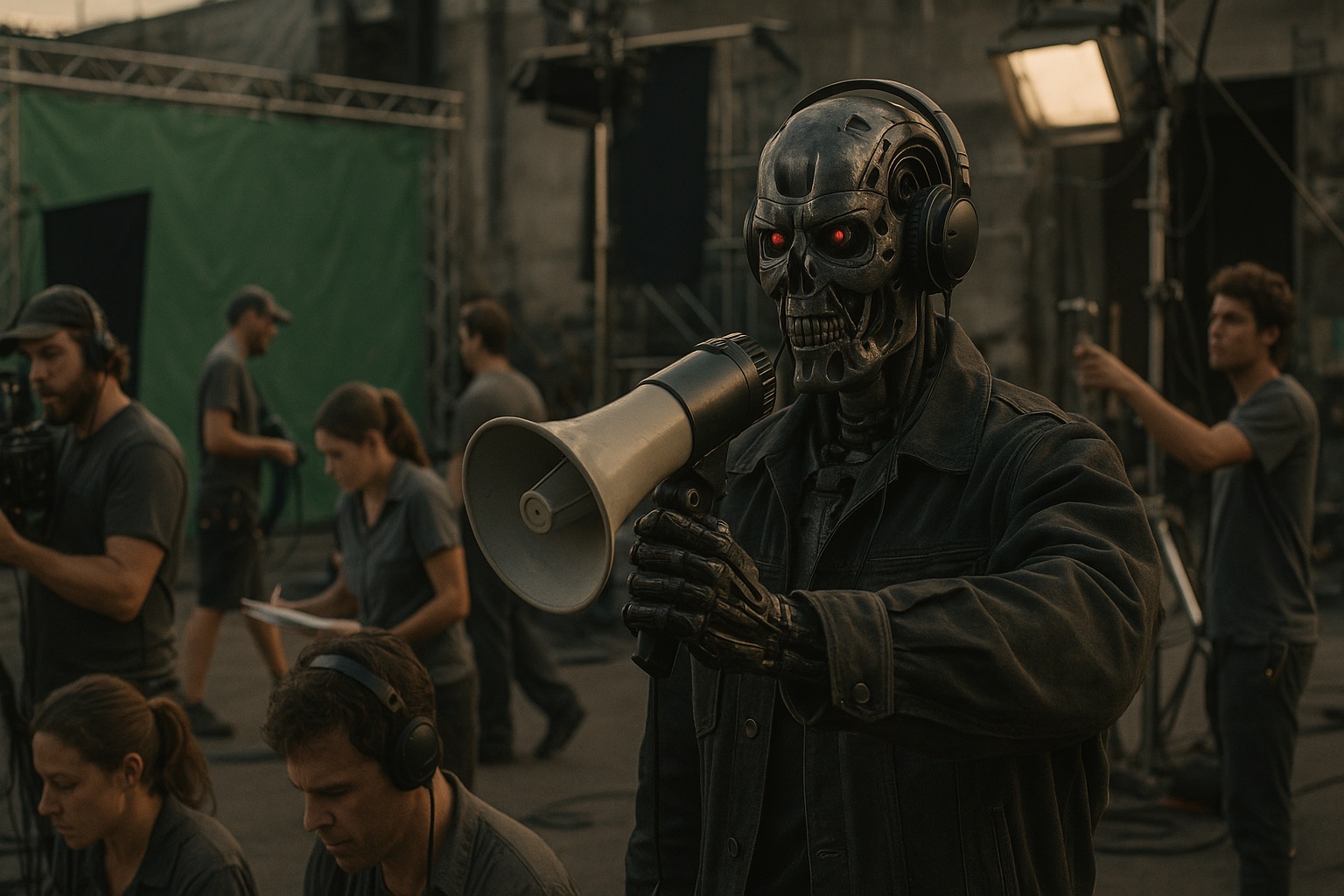
This came out of a PGA Physical Production Committee conversation about where AI is actually showing up in the work, not where demo reels claim it will show up.
Public discussion often emphasizes generated films and replacement of entire departments. The panel’s examples were more specific: tools used to support particular production tasks.
The uses that interested me most were retrieving production records, comparing documents, preparing references, and drafting routine paperwork.
That sounds less exciting than “make the whole campaign,” but it is much closer to how production actually works.
Production is not one big creative act. It is a thousand decisions moving through approvals, rights, locations, budgets, call sheets, vendors, crew availability, client notes, agency notes, legal concerns, weather, parking, talent, post handoffs, and the sentence nobody wants to hear at 5:47 p.m.: “Which version are we looking at?”
AI is going to matter in physical production because production is full of searchable, comparable, summarizable, versioned, half-forgotten information. The opportunity is to make that information easier to find and share between departments.
The panel’s production experience
The panel had real production credibility. Leland Krane is a New York-based DP with more than 100 credits. Alex DiGerlando is an Emmy-nominated production designer. Jacquelyn Ryan-Krichevsky is Disney Entertainment Television’s manager of production innovation and one of the committee co-chairs. Deirdra Govan is a costume designer and vice president of United Scenic Artists, Local USA 829.
They discussed approval processes, union positions, pre-production, lookbooks, costuming, VFX, budgeting, scheduling, and what works on a set.
The mood was pretty clear: AI is useful. AI is overhyped. AI is risky in ways that are not theoretical. AI is already in the work whether people admit it or not.
That is a more useful starting point than panic or boosterism.
The stigma is real, but it is uneven
Everyone agreed there is still a stigma around admitting you use AI tools. The higher up the production chain you are, the less likely you may be to say it out loud. Leland mentioned users making major streaming shows who do not want people to know they are using AI-assisted shot-list tools.
That stigma makes sense in context. AI landed in the middle of strike anxiety, job-loss anxiety, copyright lawsuits, and a lot of very bad salesmanship from tech companies. Nobody wants to look like they are sneaking a tool into the process to cut a crew member, bypass a union role, or use somebody else’s work in a pitch deck without permission.
But the stigma is already getting more complicated, because the actual uses are not all the same thing. Midjourney images for a pitch deck are one kind of use. A budgeting and scheduling tool is another. A searchable video archive is another. An on-device color tool in post is another. A costume pre-fit system is another.
“AI” is too broad a word to be useful by itself.
Alex made the obvious comparison: computers changed filmmaking. Photoshop changed filmmaking. Movie Magic changed filmmaking. Nobody now talks about “computer use in production” as one category. We talk about the actual tool and the actual job.
That is where the AI conversation needs to go.
Generating references
The image and video tools get the attention because they are easy to demo. The result is visible immediately.
But the panel kept coming back to a less dramatic point: generative AI is often more useful as disposable reference than as production work.
Alex was blunt about Midjourney. It makes beautiful images, but that does not mean you can build a set from them. The physics may not work. The details may not resolve. The result may be more like a tone reference pulled from a magazine than actual design documentation.
Working with a concept illustrator who uses AI as part of their process can be useful. Sitting alone in Midjourney, fishing for a production-ready answer, is usually not the same thing.
An impressive demo can obscure the difference. They show you something that looks finished enough to impress a non-specialist. Production people immediately start asking different questions.
Can we build it? Is that window load-bearing? Where does the door swing? Is that lens real? Is the period detail right? Does the wardrobe work on an actor’s body? Can we clear the location? Does this match the approved creative? Who signed off on it?
An image-generation demo generally does not answer those questions.
Supporting routine production tasks
Leland made the more useful distinction: generative AI versus process-oriented AI.
The process stuff is where the near-term value is. Scheduling. Budgeting. Shot lists. Research. Bid comparison. Search. Version comparison. Notes. Call sheets. Video archives. Post-shoot organization. Work that requires information from several departments and is often repeated on each job.
Mistakes in routine coordination can be expensive.
Bad information gets expensive quickly. A missed assumption in a bid. A script change that does not reach wardrobe. A client note buried in a call transcript. A vendor email that contradicts the deck. A rights issue nobody tracked. A location constraint that shows up after the scout. A VFX implication found after the shoot. A file nobody can find because it lived in one person’s inbox.
This is where AI can help without pretending to be the director, designer, DP, producer, coordinator, editor, or lawyer.
It can make the existing work easier to see.
Where AI actually helps
The useful uses are not exotic. They are the tasks production teams already do, under time pressure, with too many inputs.
AI can turn meeting transcripts into action items, open questions, department-specific follow-ups, and a clean list of decisions that still need approval.
It can compare two bids and identify differences in assumptions: different prep days, different kit fees, different travel language, different overtime exposure, different exclusions.
It can summarize script changes by department. Not just “new draft attached,” but “new night exterior on page 14, additional background, wardrobe continuity affected, insert shot added, animal reference removed.”
It can organize references and treatments so the team is not hunting through old decks, boards, PDFs, links, notes, and Slack threads trying to remember where the approved thing went.
It can search prior jobs for useful precedent: location decks, vendor docs, past estimates, agency notes, casting references, weather plans, permit language, safety memos, post specs, delivery checklists.
It can create first-pass call sheet and checklist drafts from approved source material, then leave the human team to verify, adjust, and own the result.
It can help production teams find what changed between versions: the script, the bid, the boards, the deck, the agency note, the legal language, the delivery spec.
It can rough out visual references early enough that the creative team can react before money is spent. That is very different from making final creative.
It can help post teams search footage, transcripts, selects, plates, and archive material using natural language instead of somebody trying to remember the exact file name.
It can keep institutional memory from disappearing into Slack, email, Google Drive, Dropbox, Frame.io, text threads, and the brain of one coordinator who is already on the next job.
These are existing information-management tasks that better search and comparison tools could make easier.
The examples that stuck
Alex told the best story in the conversation. On Black Rabbit, they built a virtual model of a set in Unreal Engine while the physical set was still under construction. The construction schedule was compressed, so the director could not spend enough time in the finished space before needing to plan shots.
The Unreal model let the director understand the space and start shot-listing before the build was complete.
A year later, Alex said the workflow had already moved. A set decorator could send a photo of a sofa they were considering, turn that photo into a 3D model in seconds, drop it into the virtual set, and see how it worked in the space before buying it.
That lets the designer test a choice before committing to a purchase.
Deirdra talked about costume design in a way producers should pay attention to. Actors often cannot come in until two days before they are on camera. Tools like Clo3D, The Fabricant, and Maison Meta can help with pre-fits and visualization before the actor is physically available.
Again: not replacing the designer, the fitting, the actor conversation, or the human part of the work. It is pre-work. It lets the department try things earlier, save time, and prepare for the actual fitting.
Leland described using AI as a spellcheck for ideas. He uses it to thought-check concepts and tone-check emails before sending them. That may sound small, but production runs on communication. A badly phrased email can lead to hours of clarification. A clear one can prevent that confusion.
Jacquelyn talked about using AI to help craft better prompts for other AI tools, which is funny but practical. If the tool is going to be part of the workflow, learning how to get to the usable output faster matters.
She also mentioned TwelveLabs for natural language video search. That is exactly the kind of use I expect to become normal. If you have a large archive of footage and you need every shot of a specific object, place, setup, or action, natural language search can save time.
The tools people are actually using
The conversation was useful because it stayed close to actual tools and actual workflows.
For image and video generation, people mentioned Adobe Firefly, Moonvalley Marey, Runway, and Midjourney. The important distinction was not which one makes the prettiest image. It was training data, permission, guardrails, and whether the output is appropriate for the use.
For workflow and process, people mentioned ChatGPT, Claude, RivetAI, Filmustage, Movie Magic, Version Zero, TwelveLabs, ShotKraft, ShotDeck, and Microsoft Copilot.
That list is messy because production is messy. There will not be one AI tool for production. There will be a bunch of narrow tools, some general assistants, some studio-approved systems, some vendor-specific workflows, and additional work to connect them.
The best tools will fit the way production already works. Leland made that point clearly. Tools built by filmmakers tend to understand the pain better than tools built by technologists guessing at the workflow.
That is why integration matters. A scheduling tool that integrates with Movie Magic has a better shot than a shiny new system that requires every line producer to abandon the way they already work.
Bad AI use, good AI use
Bad: “Generate the whole campaign.”
Good: “Summarize yesterday’s client call, list open decisions, flag changes from the previous deck, and draft department-specific follow-ups.”
Bad: “Replace the location scout.”
Good: “Search prior location decks, cluster references, surface known constraints, pull permit notes, and help the scout prep a better shortlist.”
Bad: “Make final creative.”
Good: “Generate disposable visual options early enough that the real creative team can react, reject, combine, and redirect before money is spent.”
Bad: “Use this AI image as if it is approved production design.”
Good: “Use this AI image as a temporary reference, label it clearly, and keep the approved design documents separate.”
Bad: “Upload unreleased boards, scripts, treatments, and client decks into whatever tool is cheapest.”
Good: “Use approved tools with clear data handling, access control, retention rules, and a human who knows what is safe to input.”
Bad: “Trust the schedule because the software sounded confident.”
Good: “Use the draft schedule as a starting point, then have the AD, line producer, department heads, and producers beat it up like normal.”
These uses define a task, its inputs, and who reviews the result.
Where it gets dangerous
The risks are not abstract. They show up in the normal places production already has risk: rights, labor, confidentiality, accuracy, approval, and source material.
Rights and likeness are the obvious ones. If a tool can generate something that looks like a person, a performer, a protected character, a brand, a photographer’s style, or a designer’s work, that does not mean you have permission to use it. Technical capability is not clearance.
Union and crew implications matter. Deirdra was direct about this: the tool is useful when it helps visualize and work more efficiently. It becomes a problem when it is used as a way to eliminate positions or undermine the work covered by agreements.
Client confidentiality matters. Production teams handle unreleased scripts, treatments, boards, celebrity information, budgets, locations, schedules, security details, vendor bids, agency strategy, and legal language. You cannot dump that into a random system because the summary would be convenient.
Training and data leakage matter. Studios care about what goes into a system and what comes out of it for good reason. Some tools are built around licensed or compensated data. Others are not. Some tools retain inputs. Some do not. Some give admins control. Some provide little visibility into how they handle data.
Hallucinated details matter. AI is very good at sounding organized while being wrong. In production, fake certainty is dangerous. A hallucinated permit rule, wrong travel time, bad rate assumption, invented source, or mistaken delivery spec can cost real money.
Synthetic references can be mistaken for approved creative. That is a quiet but serious problem. A generated reference can enter a deck, get forwarded, lose its label, and suddenly become “the thing the client liked.” Now the team is chasing an image that was never designed, cleared, buildable, shootable, or approved.
Bias matters in casting, locations, wardrobe, and reference workflows. If a tool clusters options or proposes references based on biased source material, it can narrow the imagination of the team while pretending to broaden it.
Source resemblance matters. If you use an AI output without knowing what it resembles, you may miss a resemblance that makes the output unsuitable. That is especially true in pitch materials, lookbooks, character references, brand work, and anything that will be shared outside the team.
The point is not “do not use AI.” The point is: identify the risks of the specific use.
The studio approval process is a preview of the future
Jacquelyn described the studio side in practical terms. At Disney, she said AI use cases go through a specific review process. They are checked against responsible, ethical, human-centric use. If a proposed use eliminates union positions or creates other obvious problems, it gets vetted early.
Netflix has published guidance for generative AI use in content production. Most studios are not that public. But the direction is clear: productions will increasingly have approved tools, restricted tools, and use cases that require review.
That may feel slow to independent producers who can sign up for a tool and start working in ten minutes. But studios have specific responsibilities to consider. They have to worry about rights, security, labor, confidentiality, PR, legal exposure, guild agreements, and the fact that one careless workflow can create problems throughout a production.
Independent productions have more flexibility, but they do not get a pass on judgment. The absence of a studio approval panel does not make a tool safe. It just means the producer has to ask the questions directly.
The producer test
Before using an AI tool on a production, I would ask:
- Does it save time on a task we already do?
- Does it reduce confusion between departments?
- Can we verify the output quickly?
- Does it preserve source links, citations, file references, or evidence?
- Can it work with private material safely?
- What happens to the material we input?
- Who can see the output?
- Does this create a rights, likeness, union, or client-confidentiality issue?
- Is the output clearly labeled as draft, reference, internal, or approved?
- Who is responsible if it is wrong?
- Does it help the crew, or just impress the person buying the software?
- Does it fit the tools the team already uses?
- Does it work with approvals, vendors, legal, accounting, post, and delivery?
That last question is the real one.
Lots of tools are impressive in a demo. Very few are impressive after the agency has notes, the client wants a change, the location shifts, the director swaps the shot order, legal needs backup, the vendor has a different assumption, the crew is moving, and the delivery spec changed last night.
Production tools need to remain useful when plans change.
What has not changed
Nobody on the panel said AI had reduced their crew size on set.
Leland said the camera department still looks like the camera department: operator, AC, second AC, loaders. Alex said he has not reduced his crew and would not trust AI to produce construction drawings without human verification. One bad measurement and you are building the wrong thing.
The pressure to work faster is real, but the panel did not attribute it to AI. The pressure is coming from tighter budgets, compressed schedules, and wider market pressures.
That distinction matters. AI will get blamed for things that are really budget decisions. It will also be used to justify budget decisions people already wanted to make.
Producers should be honest about that.
If a tool helps a department get 20 percent closer to the answer faster, great. If that savings gets turned into less prep, fewer people, and the same expected quality, then the tool did not solve the production problem. It just gave management a new excuse.
Verify according to the consequences
Can you trust AI?
Not by itself. Everyone basically landed there.
The useful comparison was Wikipedia or Google. It can get you started. It can point you toward sources. It can help you think. But you still have to check the work.
Jacquelyn mentioned cross-referencing between ChatGPT and Claude. Alex talked about using it for research, while still checking the answer. Leland framed it around stakes. Using AI to create rough lookbook images so a director can respond to a tone is low stakes. Using AI for final pixel, legal clearance, construction, safety, budget authority, or delivery is another category.
Use it to prepare a draft, then assign someone to verify the result before it is relied on.
The more expensive the consequence of being wrong, the more formal the review has to be.
Making production records searchable
The part I keep coming back to is memory.
Every production generates a private archive: decks, estimates, bids, shot lists, scripts, boards, scout photos, casting links, wardrobe references, VFX notes, post specs, call sheets, wrap documents, releases, invoices, client feedback, agency comments, legal notes, email threads, Slack channels, and meeting transcripts.
Most of that memory is badly stored. Some is in Google Drive. Some is in email. Some is in Frame.io. Some is in Dropbox. Some is in a vendor portal. Some is in a coordinator’s head. Some disappears when the job wraps.
AI could help a production company retrieve answers from its own records:
- Have we solved this location problem before?
- Which vendor handled the last tabletop job with similar constraints?
- What changed between the first estimate and the approved one?
- Which client notes keep recurring?
- What did legal flag last time we used this kind of footage?
- Which releases are still missing?
- What did the director approve in the meeting versus what made it into the deck?
- What does post need that production has not captured yet?
That is not a fantasy. That is just search, summarization, retrieval, permissions, and disciplined source material.
It is also where private, controlled systems matter. The more sensitive the production, the less comfortable I would be putting records into a public service whose data handling I could not verify. The smart version of this lives close to the source material, respects permissions, tracks evidence, and gives humans something verifiable.
This is not about making production simple
Production is not simple. It will not become simple because a chatbot can summarize a meeting.
There will still be taste. There will still be politics. There will still be client anxiety, agency ambiguity, weather, union rules, late scripts, difficult locations, budget pain, and the eternal gap between what looks easy in a deck and what takes twelve people to actually do.
AI does not remove any of that.
What it can do is reduce avoidable confusion about it. What changed? Who approved it? Where is the reference? Which version is current? What did the vendor assume? What did the client say? What is still open? What did we forget?
Those are not glamorous questions. They are production questions.
Judge the specific use
An image used for early mood exploration needs different review from construction drawings or a final delivery. A footage search tool raises different questions from a synthetic performer.
Specify the task, the material it will use, the relevant risks, and who approves the result. “AI” alone tells us too little about any of those decisions.
My take
What struck me listening to the panel was how practical and unglamorous the good uses were.
Nobody serious was saying “fire the cinematographer” or “replace the production designer.” They were talking about testing furniture before buying it, visualizing costumes before the actor is available, searching footage faster, thought-checking ideas, tone-checking emails, building better references, and bringing VFX conversations earlier so the production team is not discovering unplanned VFX requirements in post.
Those are specific improvements a team can evaluate. Do they save time? Can the output be checked? Does the tool preserve the source material and make responsibility clear?
I expect the most useful adoption to come from teams that understand their own process well enough to answer those questions before depending on the output.